User Experience
The touchscreen interface
A simple, guided flow from product selection to dispensing — designed to be used by anyone, with no prior instruction needed.
1
Browse beverages
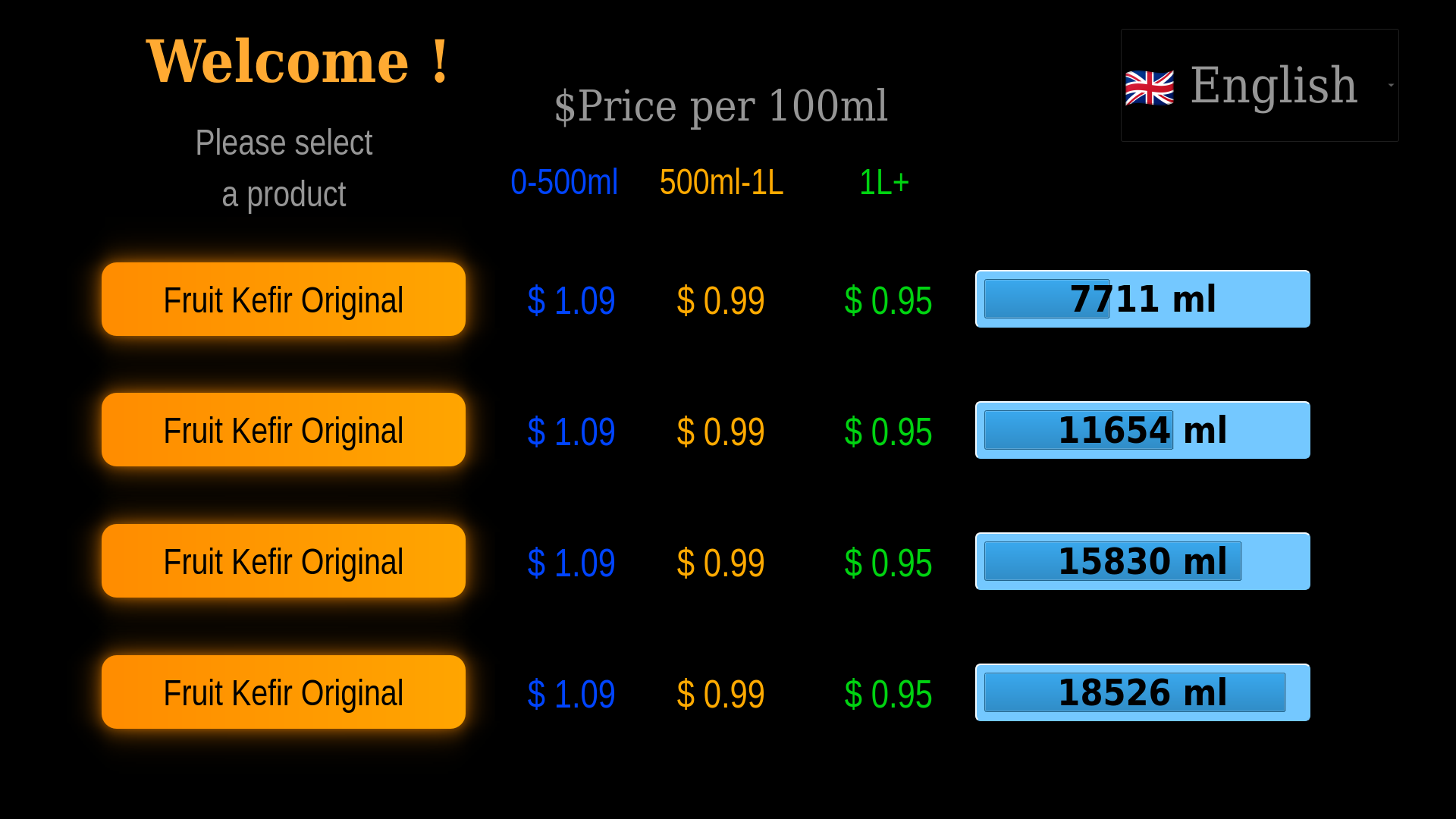
The initial screen displays the full list of available beverages, their price per volume, and current inventory quantities — updated after every purchase.
2
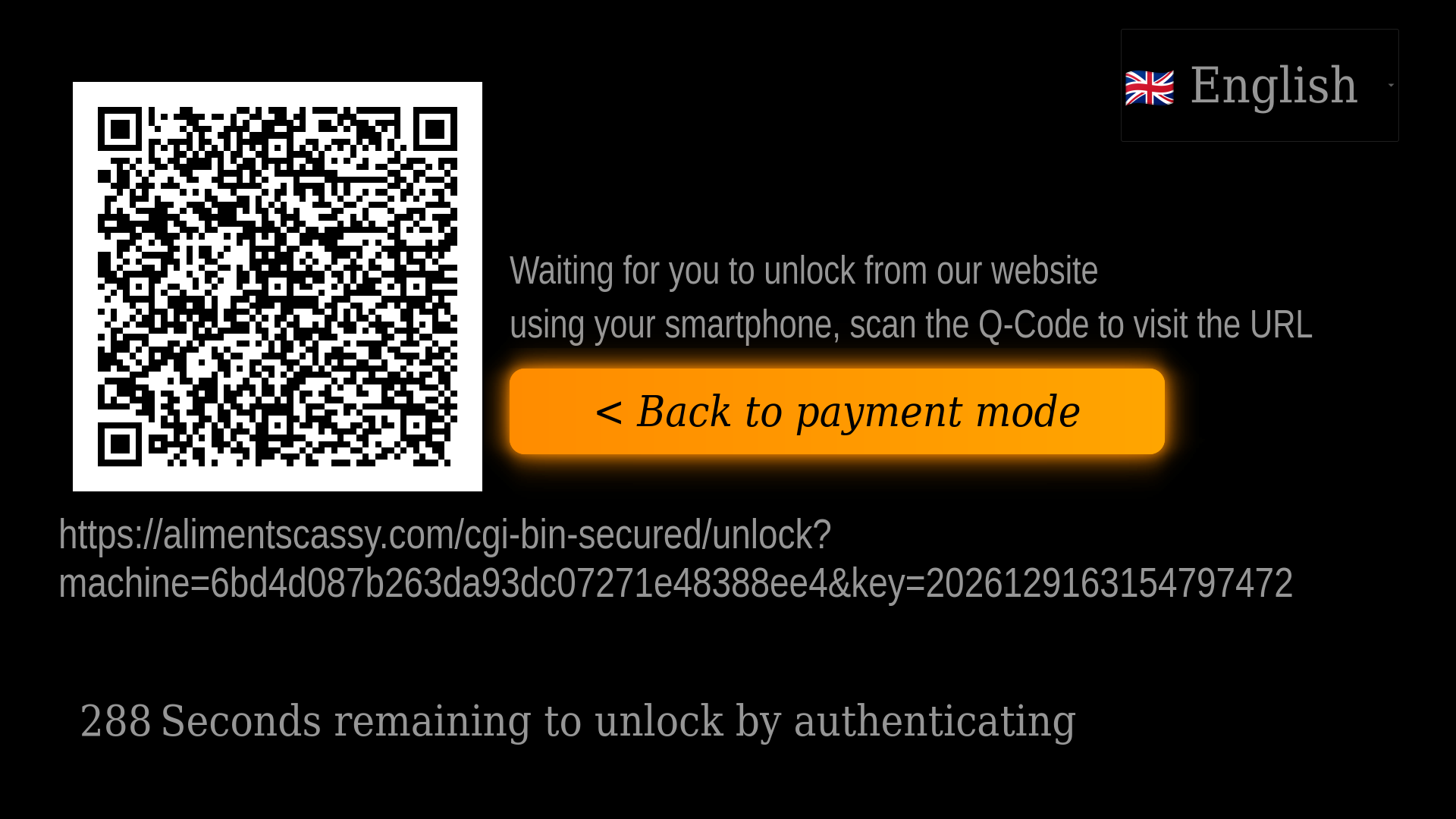
Choose payment method
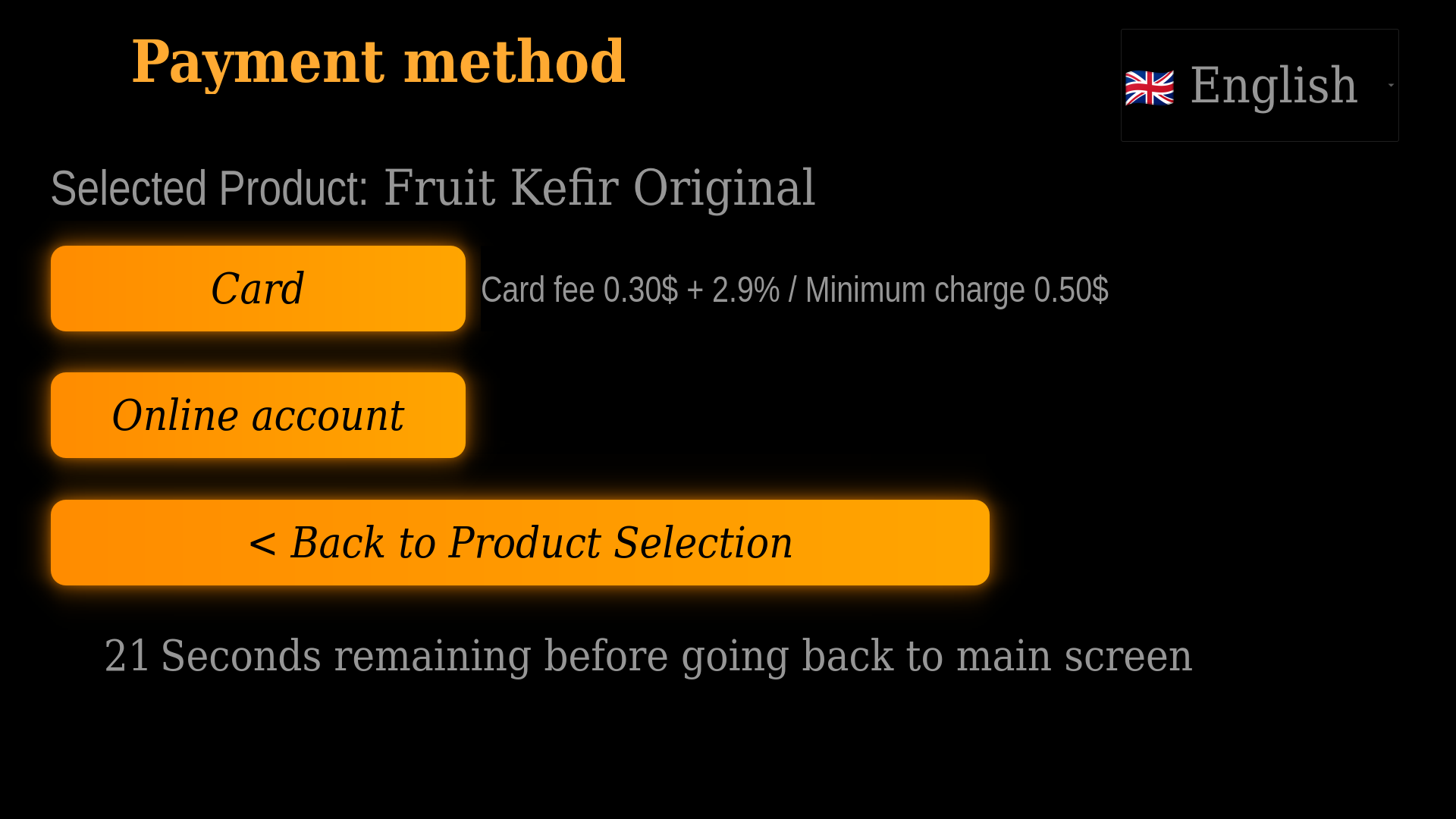
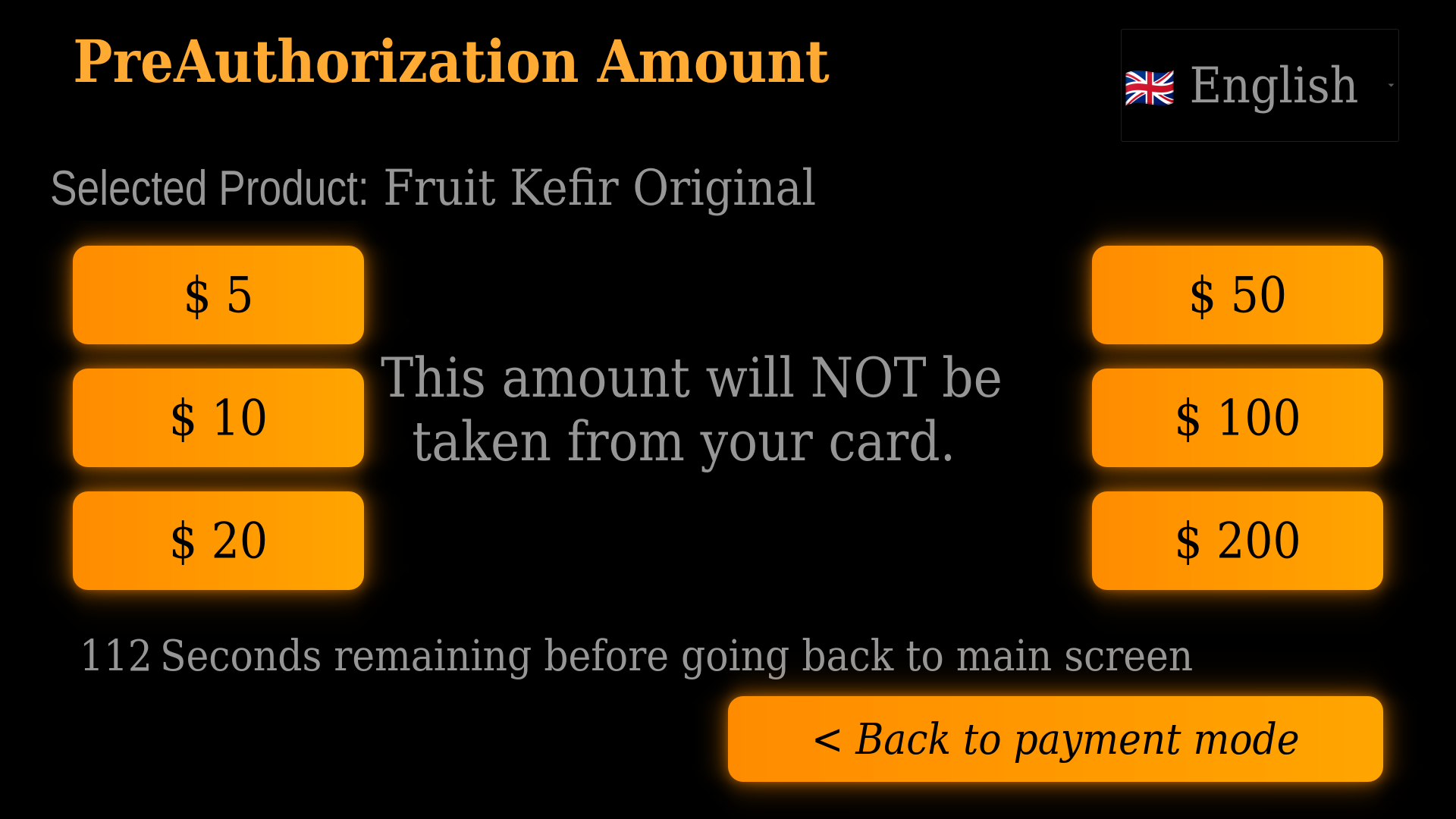
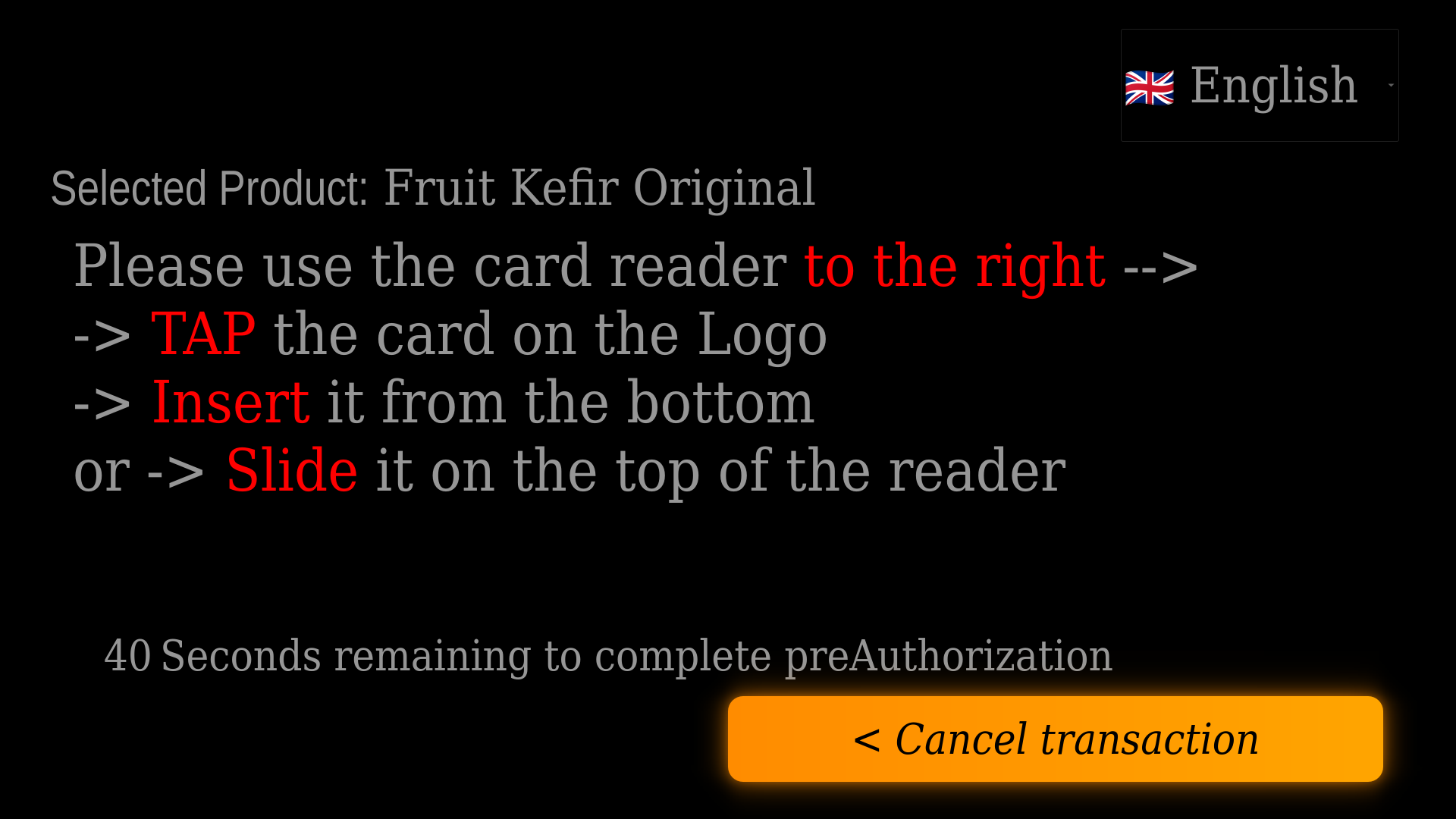
Select credit card (Stripe terminal) or account balance. The chosen method is pre-authorized before dispensing begins.
3
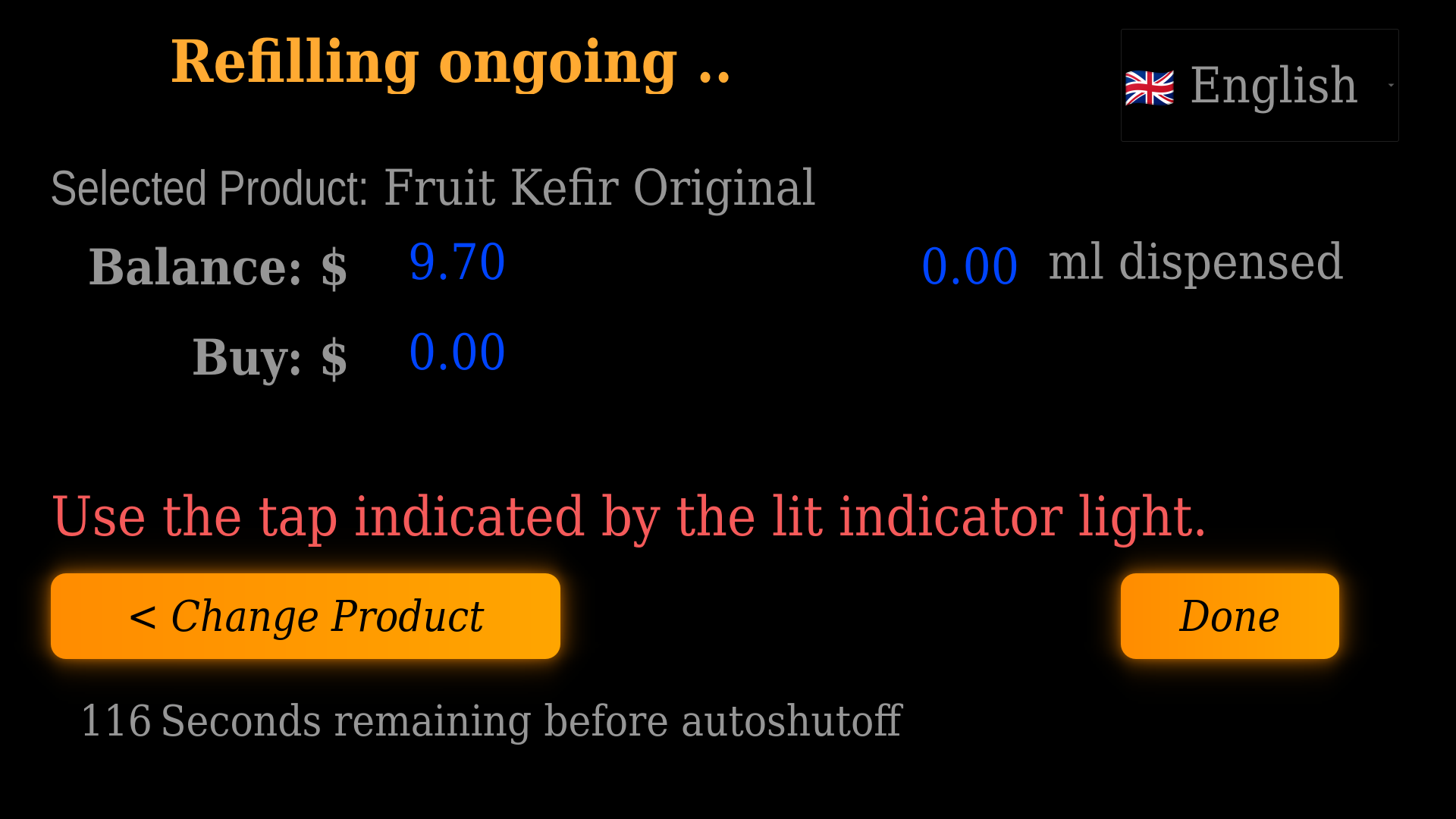
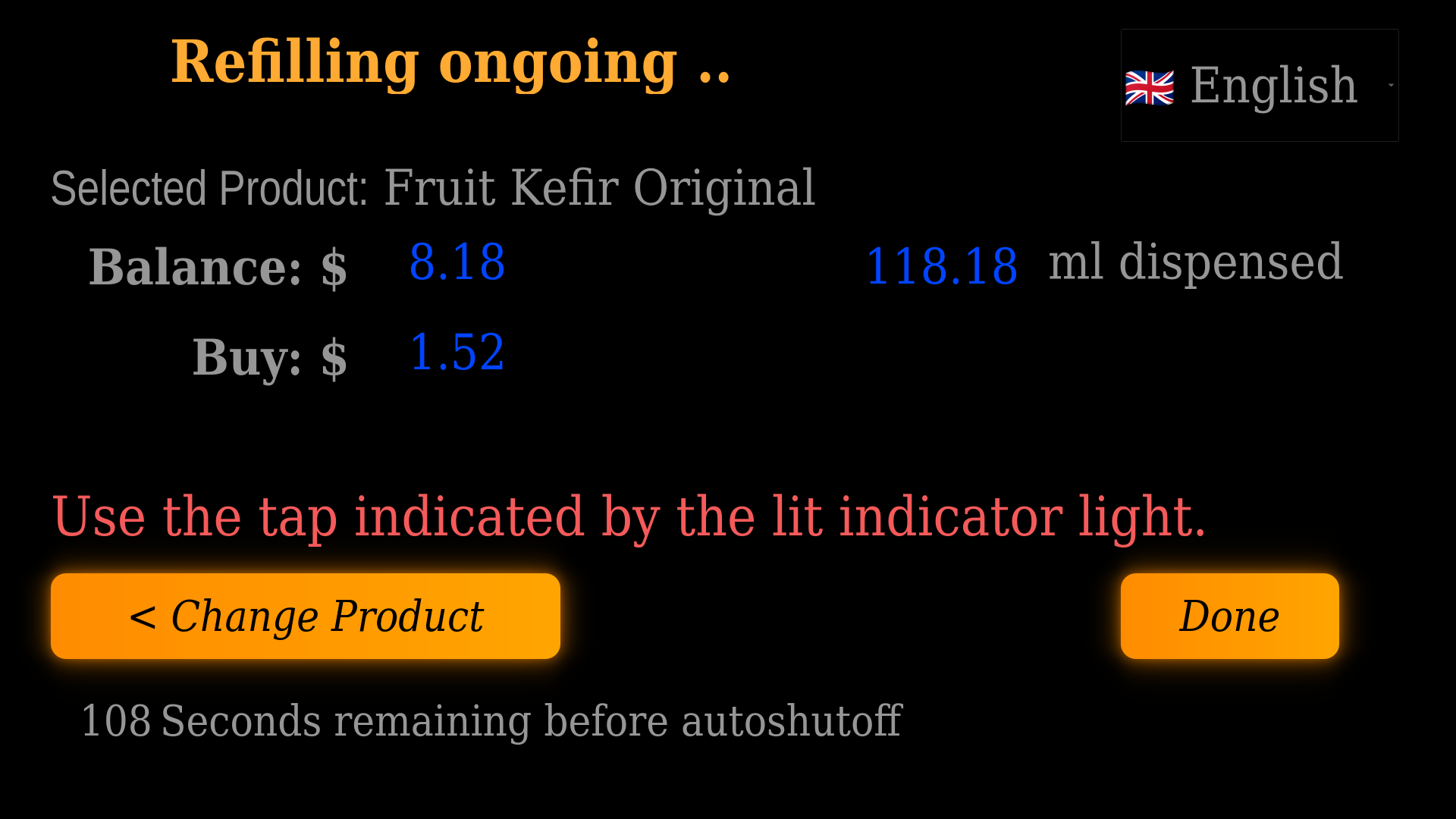
Tap to dispense
An indicator light illuminates above the correct tap. Volume and running price update live on-screen as you pour. You can change your selected product mid-dispense.
4
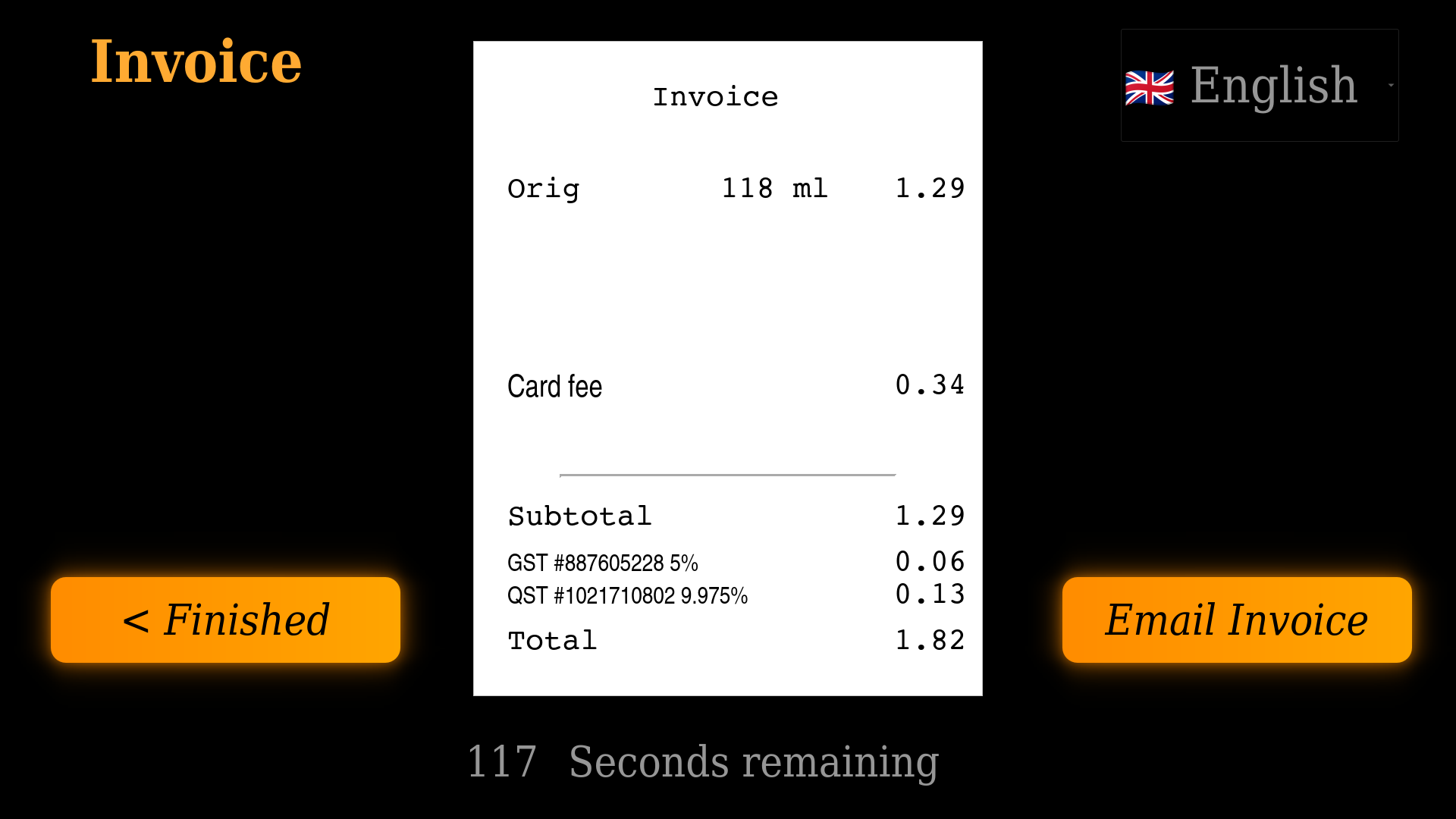
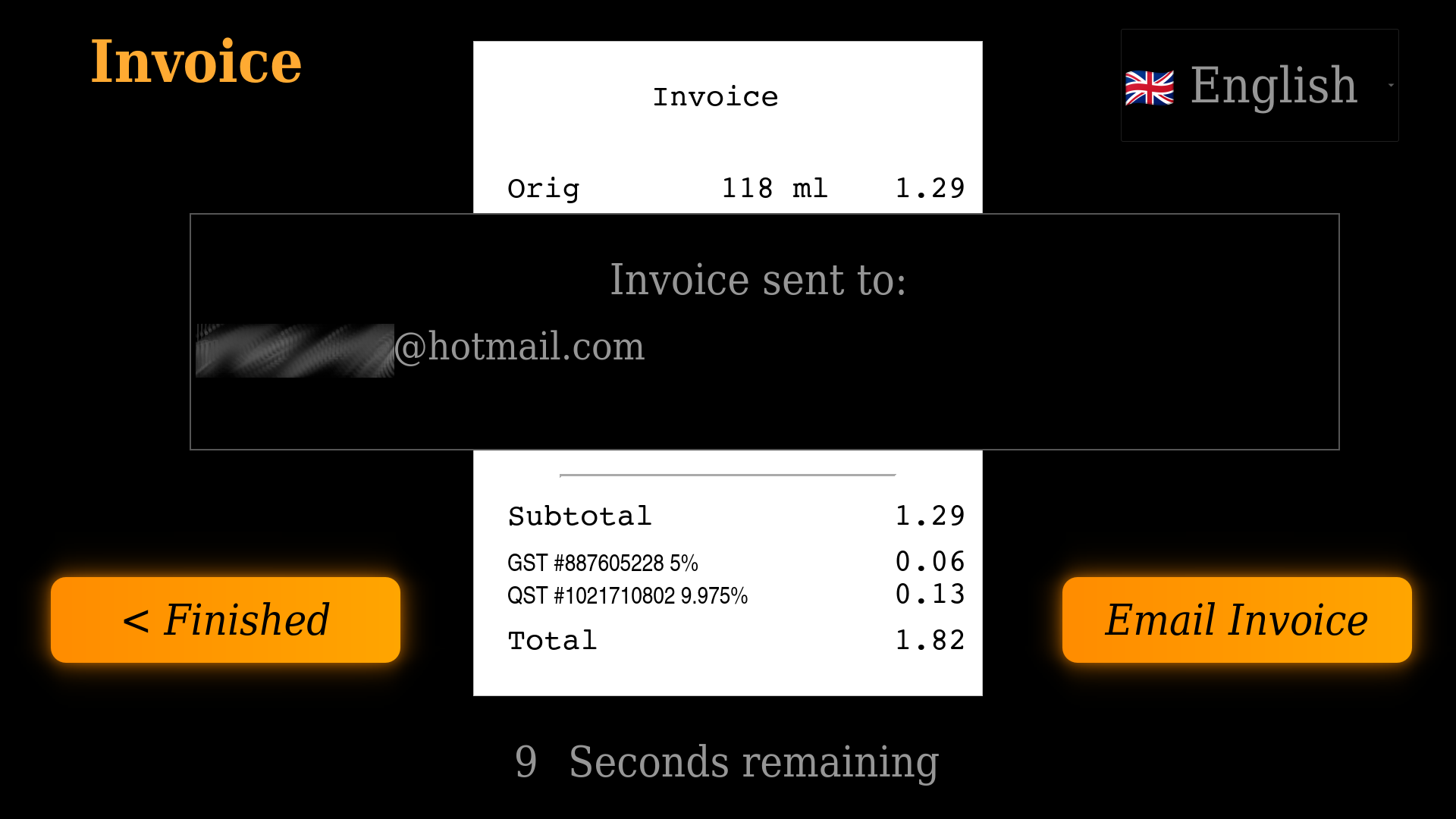
Invoice & receipt
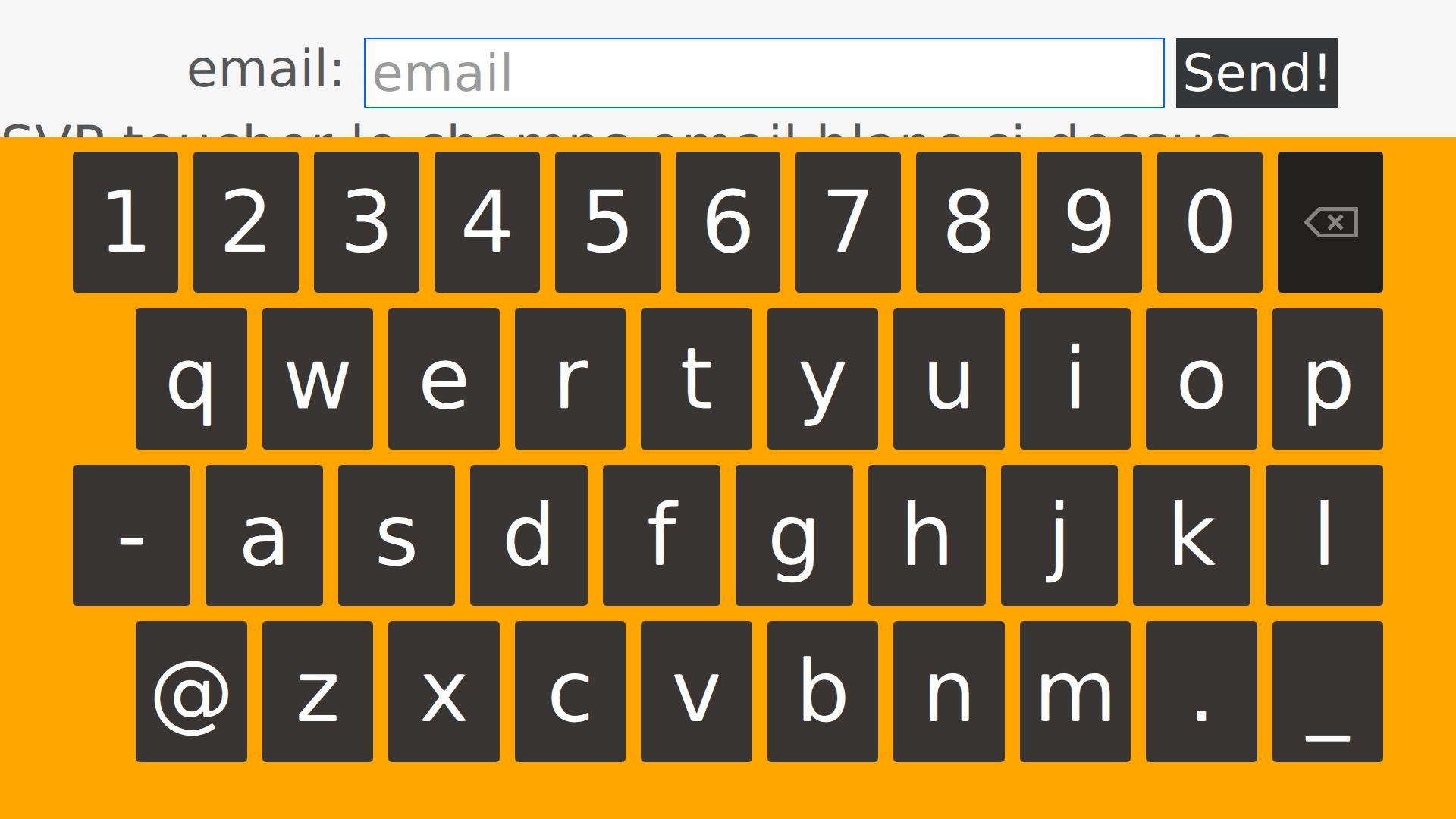
Final invoice is displayed on screen. Option to have it sent by email — no printer needed.
Interface screenshots